Use Case Snapshot
A fast, practical way to frame the work
Stakeholders
Security / IAM, App Owners, Infrastructure, Compliance/Audit
Where it shows up
AD / Entra ID, Windows/Linux services, databases, cloud workloads, CI/CD, integration platforms
Common triggers
Audit findings, incident response, PAM rollout, cloud migration, M&A, legacy app cleanup
Typical constraints
“Can’t break production”, tight maintenance windows, unknown dependencies, limited documentation
What “good” looks like
Owned accounts, vaulted secrets, rotation policy, least privilege, monitoring, evidence on demand
Outcomes
Reduced credential sprawl, fewer standing privileges, faster audit responses
The Challenge
High-impact identities that rarely get managed like identities
Service accounts are powerful non-human identities used to keep systems running. Over time they multiply, lose ownership, and accumulate permissions. Many end up with long-lived credentials embedded in scripts, schedulers, or code—making them both easy to overlook and valuable to attackers.
Common symptoms
- Shared credentials across teams or apps
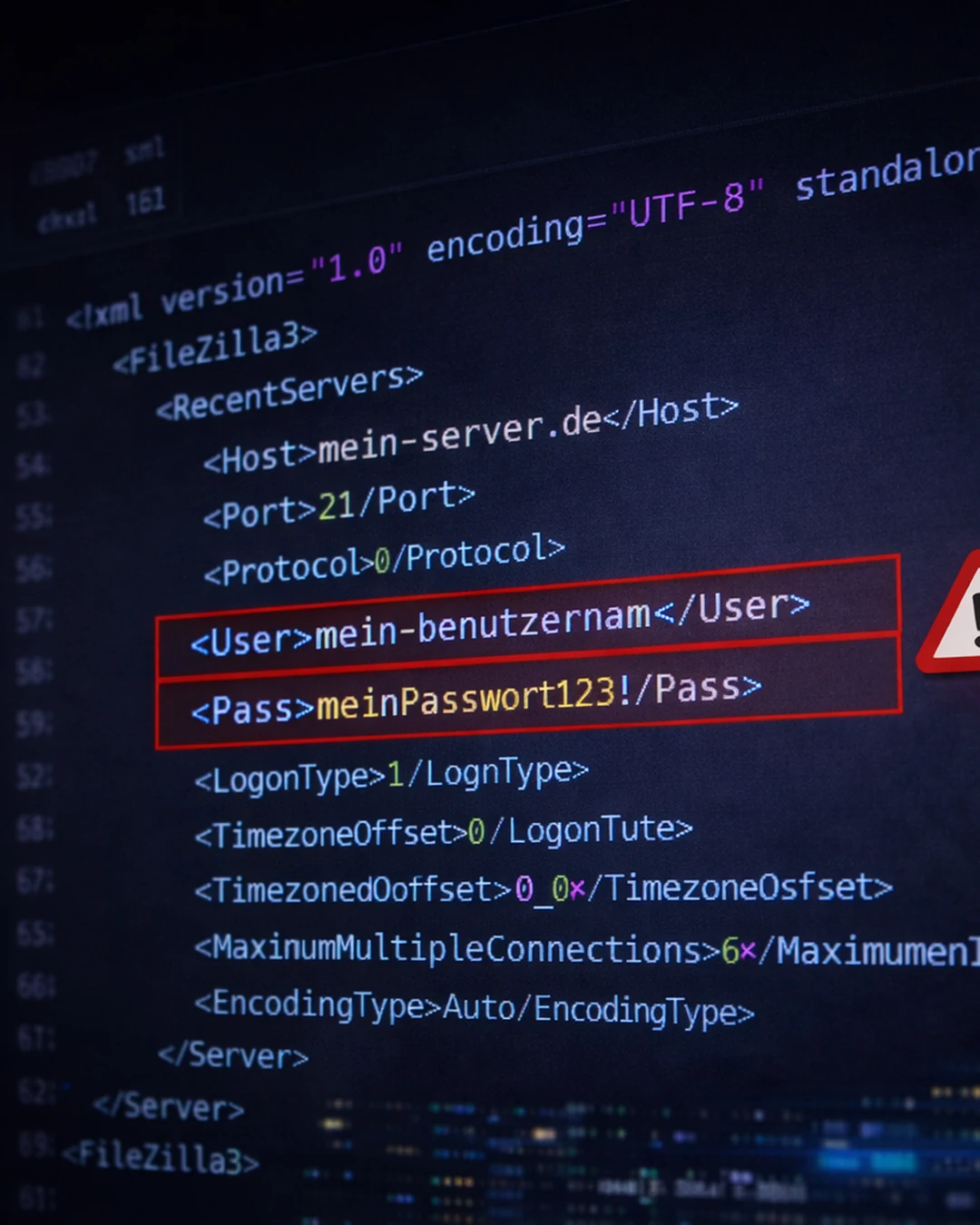
- Hardcoded passwords/keys in scripts, repos, or config files
- No clear owner or lifecycle process
- Credentials never rotate (or rotation breaks apps)
- Broad permissions “just in case”
- Orphaned accounts after projects end
Risk & Business Impact
Why unmanaged service accounts stay on the critical path
Privilege Amplification
What it looks like
A service account becomes “admin” to fix an outage and stays that way.
Why it matters
One compromised secret can unlock critical systems.
Persistence & Lateral Movement
What it looks like
Attackers reuse non-human credentials to move quietly across systems.
Why it matters
Service accounts are rarely monitored like users.
Hidden Access Paths
What it looks like
Integrations and scheduled jobs create invisible dependencies and access routes.
Why it matters
Security controls miss the “machine-to-machine” layer.
Audit Gaps
What it looks like
No inventory, no owners, no evidence of reviews or rotation.
Why it matters
Findings repeat, remediation is slow, risk is hard to explain.
Our Approach
A rollout path that protects uptime
Step 1
Discover
- Identify service accounts across directories, hosts, platforms, and apps
- Map where each account is used and what it can access
- Classify by risk tier (Tier 0/1/2 style)
Step 2
Standardize
- Ownership model (who approves, who maintains)
- Naming + documentation standards
- Onboarding/offboarding + change control
Step 3
Secure
- Move secrets to a vault / secrets manager
- Implement rotation that respects app constraints
- Reduce permissions to least privilege and define access boundaries
Step 4
Operate
- Monitoring + alerting for abnormal usage
- Periodic recertification and drift detection
- Audit evidence package ready on request
Before vs After
Shift from brittle secrets to controlled operations
BEFORE
- Credentials stored in scripts/configs
- Shared accounts with no owner
- Static passwords/keys
- Broad permissions
- Limited logging/visibility
AFTER
- Secrets vaulted and controlled
- Clear owners and lifecycle rules
- Rotation by tier with safe rollout
- Least-privilege permissions
- Monitoring + alerts + audit-ready evidence
Reference Architecture
A simple chain you can enforce and prove
What You Get
Deliverables your team can run with
Governance
- Inventory + risk tiering
- Ownership matrix (RACI)
- Naming + standard policy
Security Controls
- Vaulting approach + implementation plan
- Rotation strategy (by tier) + testing plan
- Least privilege hardening recommendations
Operations & Audit
- Monitoring use cases + alert routing
- Recertification cadence
- Audit evidence pack (what we provide and how it maps to controls)
Success Metrics
Typical target outcomes (environment-dependent)
% of service accounts inventoried with owners assigned
% vaulted / protected by policy
Rotation coverage by tier (e.g., Tier 0 weekly/monthly)
# of over-privileged accounts remediated
Time to produce audit evidence reduced
Related Capabilities
Programs that reinforce this use case
Privileged Access Management (PAM)
Identity Governance & Administration (IGA)
FAQ
Common questions
Make non-human access controlled, auditable, and resilient.
If service accounts feel like “mystery glue” holding production together, we’ll help you turn that mystery into inventory, policy, and evidence—without disrupting delivery.